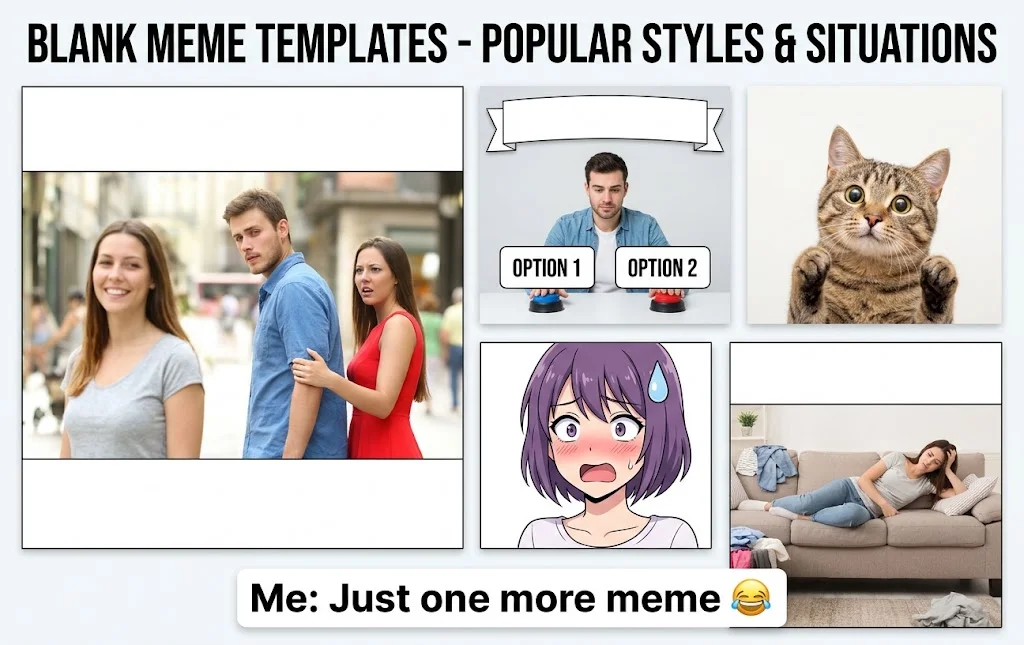
Memes without captions are blank meme images, GIFs and short videos with no text on them. You download them free, add your own words, and share. They are also called no caption memes, blank meme templates or memes with no text.
This guide gives you the best captionless memes to save, the quickest way to download them in HD, and simple tips to caption them like a pro. You also get the basic copyright rules for the USA, so you can post with confidence.
Table of Contents
Best Memes Without Captions to Download Free
Here are the blank meme templates Americans use most on Instagram, X, TikTok, Reddit and WhatsApp. Every type below is easy to find as a free download.
Classic reaction memes are the base of meme culture. Think of the Distracted Boyfriend, Drake Hotline Bling, Two Buttons, Expanding Brain and Woman Yelling at Cat. Each one has clear faces and space for two short lines.
Animal memes never get old. Cat memes, dog memes and Grumpy Cat-style faces work for almost any mood. The pet’s face does the joke, and your caption finishes it.
Anime and cartoon memes suit fans of shows and games. Pick a screenshot with a strong expression, such as shock, pride or deep regret. These anime meme templates work best with one-line captions.
Green screen memes and meme videos are short clips with no text. Editors place them into Reels, YouTube Shorts and TikTok edits. Look for MP4 files with no watermark.
Reaction GIFs are looping clips used in chats and replies. Save the GIF when you need a fast response in iMessage, Discord or WhatsApp.
Trending memes change fast. A new viral meme template can peak in days. Check trending pages often and save the blank version before the text-heavy copies spread.
Clean and wholesome memes are safe for school, work and family chats. Choose blank images with soft humor, cute animals and everyday situations.
Sound effects and soundboard clips pair well with no caption memes. A short audio hit can turn a plain clip into a punchline.
Memes are also very common online. A 2020 survey covered by eMarketer found that 32% of US and UK internet users had looked at a meme on the day they were polled. The same report said memes were the third-most popular type of content to share, cited by 29% of respondents. You can read the full report on eMarketer.
Quick tip: pick a template with a clear face or a clear action. The simpler the image, the easier the caption.
Memes without captions let your reactions speak for themselves, especially when a funny moment needs no explanation. If you’re sharing cricket highlights, celebrating a big win, or posting a match-day photo, these funny cricket captions for Instagram can help you add the perfect words to every shot.
How to Download and Caption Memes Without Captions
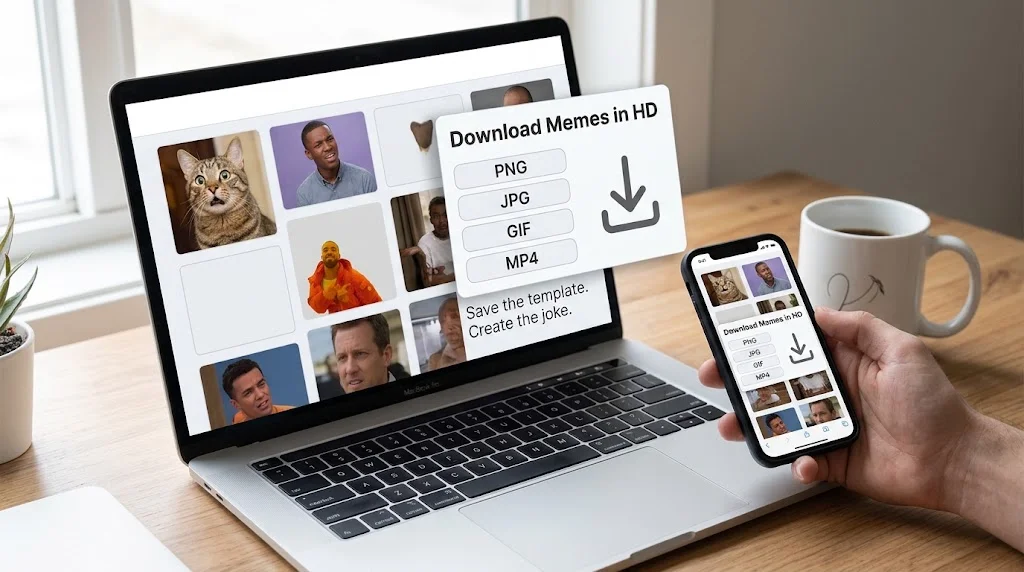
How do you downloadfor free? Search for the meme or browse a category. Open the preview. Choose the file type, such as PNG, JPG, GIF or MP4. Tap download. Most free meme sites need no signup.
Check three things before you save. The file should be HD. It should have no watermark. The edges should look clean, with no blur.
On iPhone and Android, tap and hold the image, then choose save. On a desktop, right-click or use the download button. A meme app is faster if you save often.
How do you add a caption to a meme with no text? Open a free meme generator or a phone editing app. Upload the blank image. Type your caption in the text box. Set the font and size. Save and share.
The classic meme font is Impact. Use white text with a black outline. It stays readable on any picture.
Keep the caption under ten words. Make it relatable. Put the setup in the first line and the twist in the second. Here are a few caption ideas to try on any blank template:
Me: I’ll sleep early tonight. Also me at 3 a.m.:
When the meeting could have been an email, but you still came in with a smile
Nobody: Absolutely nobody: My brain at midnight: remember that awkward thing from 2014?
Me explaining my plan vs. the plan actually working
When you say “five more minutes” and it’s now next Tuesday
My bank account after saying “it’s just a small purchase”
Teacher: Any questions? Me: Only about 47, but none that I can say out loud
Me trying to look busy when the boss walks by
Monday: Why are you like this?
Me after one cup of coffee vs. me after three cups of coffee
For Reels, Shorts and TikTok, add your caption in the video editor. Keep the text in the safe zone, away from the buttons at the screen edges.
A blank template is not the same as an edited meme. The blank version is the raw image. The edited version carries the joke. Save both when you can. The blank one lets you remake the joke for work, school or your brand.
While memes without captions give you the freedom to add your own humor and personality, understanding the difference between subtitles and closed captions can help you make your video memes more accessible and engaging. Explore this guide to subtitles vs. closed captions to learn how each option works and when to use it for a better viewing experience.
Are Memes Without Captions Free to Use? Copyright and Safety Tips
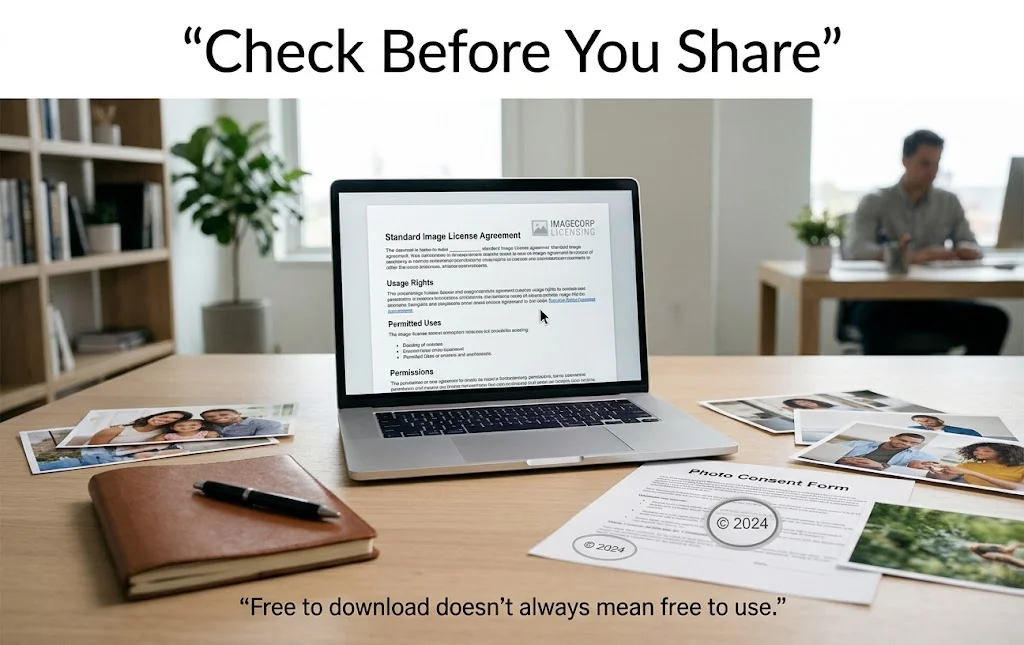
Free to download does not always mean free to use. This matters most if you post for a business, a brand or a monetized channel in the USA.
The meme itself often comes from a movie, a show or a photo. That means someone may own the copyright. Some images also carry trademarks or show a real person’s face. Music in a clip can have its own rights too.
What is fair use? It is a US legal idea that allows limited use of protected work in some cases. Courts look at four things: the purpose of the use, the nature of the work, how much is used, and the effect on the original’s market. Fair use is decided case by case. The US Copyright Office explains it in full. This is general information and not legal advice.
Personal use, like a group chat, is usually low risk. Commercial use, like an ad, needs more care. Read the license note on each download. Credit the source when you can. Follow each platform’s rules.
Download safely too. Skip fake download buttons, pop-ups and unknown file types. Stick to common formats like PNG, JPG, GIF and MP4. Keep your device’s security tools on.
For work and school, choose clean, family-friendly memes. Avoid hate, personal attacks and sensitive topics.
FAQs
What are memes without captions?
Memes without captions are blank meme images, GIFs or videos with no text. You add your own caption to make the joke. They are also called no caption memes, blank memes and meme templates.
Where can I download memes without captions for free?
Use free meme websites and meme apps that offer HD files with no watermark and no login. Always check the file quality and the license note before you save.
How do I add text to a meme with no caption?
Upload the blank image to a meme generator or editing app. Type your text, pick a bold font like Impact, adjust the size, then save and share.
Can I use memes without captions for my business or YouTube videos?
Sometimes, but be careful. Check copyright, fair use, trademarks and music rights first. Read the rules on the US Copyright Office page, and ask a legal professional for business use.
What makes a good meme template?
A good meme template has a clear subject, a strong expression and open space for text. It also needs a situation people relate to, so the caption lands fast.
Conclusion
Memes without captions are free, easy to save and quick to caption. Pick a clear template, write a short and relatable line, and share it. Check the license first, and your meme is ready to post.
Abroy Ehtisham is a dedicated website Captions Orbit author and content lead who specializes in crafting engaging, highly detailed, and insightful digital content designed to cut through online noise. Driven by a deep commitment to audience-first communication, clear narrative structuring, and thorough research, Abroy explores the evolving landscape of web culture, online media, creative strategy, and community building.