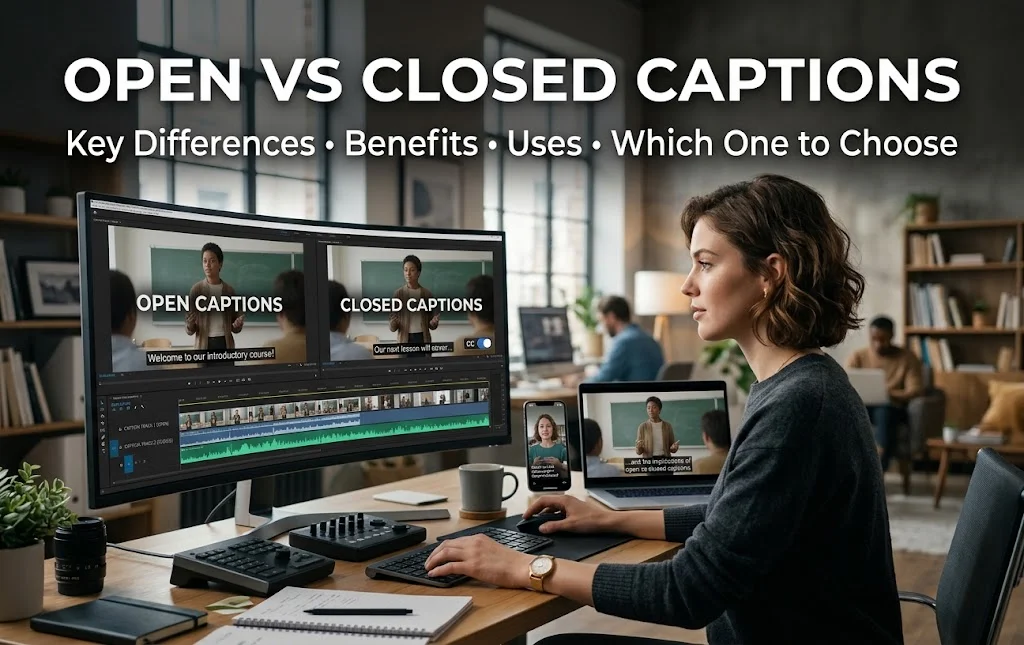
Ever paused a video because you couldn’t tell if the text on screen was a caption or a subtitle? You’re not alone. Most viewers use the words interchangeably, but open captions and closed captions work in very different ways — and picking the wrong one can cost you viewers, compliance points, or both.
This guide breaks down open vs closed captions in plain language: what each one is, why they matter, where they’re used, and how to pick the right format for your video.
Table of Contents
Open vs Closed Captions: What’s the Key Difference?
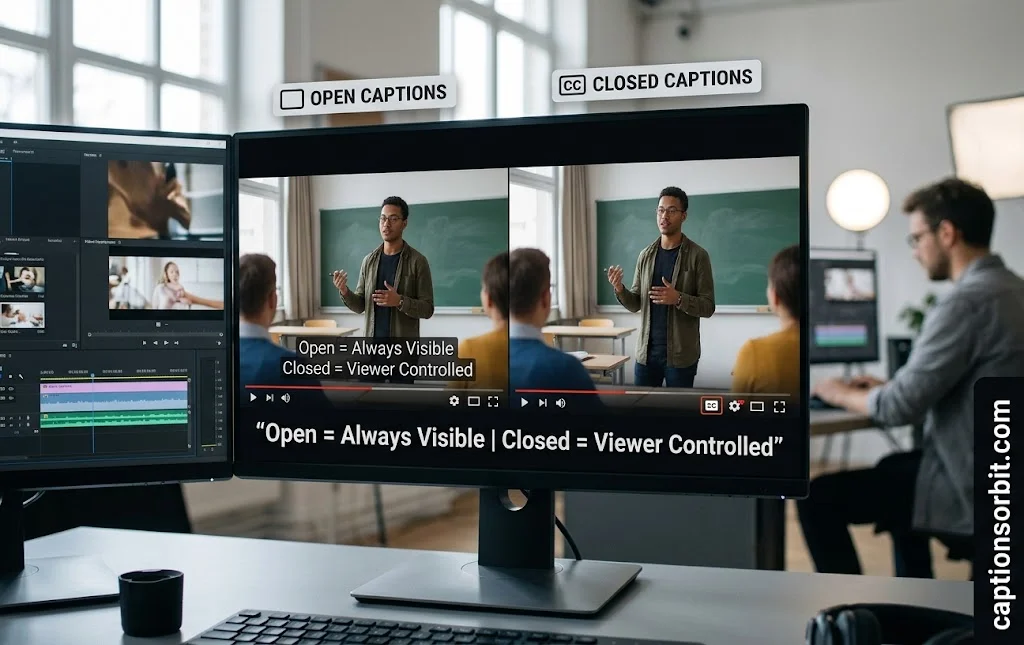
The core difference between open captions and closed captions comes down to one thing: control. Can the viewer turn the text off, or not?
What are open captions?
Open captions are burned directly into the video file. The text becomes part of the picture itself, frame by frame. Because of this, viewers can’t hide them, mute them, or switch them off — they’re permanent. This makes open captions a solid choice when you need every single viewer to see the text no matter what device or player they use.
What are closed captions?
Closed captions live in a separate file or data track, not baked into the video. Viewers turn them on or off using the familiar CC button. This flexibility is why closed captions are the standard on platforms like YouTube, Netflix, and most streaming services — they follow WCAG 2.1 accessibility guidelines, which call for user-controlled text alternatives.
How do open captions work?
Technically, open captions are rendered during video editing or encoding, so the text pixels are locked into every frame — similar to a watermark. Closed captions, by contrast, ride along as a separate text file (commonly SRT, WebVTT, or TTML) that a media player reads and displays in sync with the audio. That’s the technical reason closed captions can be toggled and open captions can’t.
| Feature | Open Captions | Closed Captions |
|---|---|---|
| Can be turned off | No | Yes |
| File type | Burned into video | Separate text track |
| Common formats | Hard-coded | SRT, WebVTT, TTML |
| Best for | Social feeds, silent autoplay | YouTube, LMS, broadcast TV |
🔗 MUST VISIT
500+ Best One Word Captions for Instagram: Short, Stylish, Cool & Powerful Words
Explore Now →Benefits of Open and Closed Captions
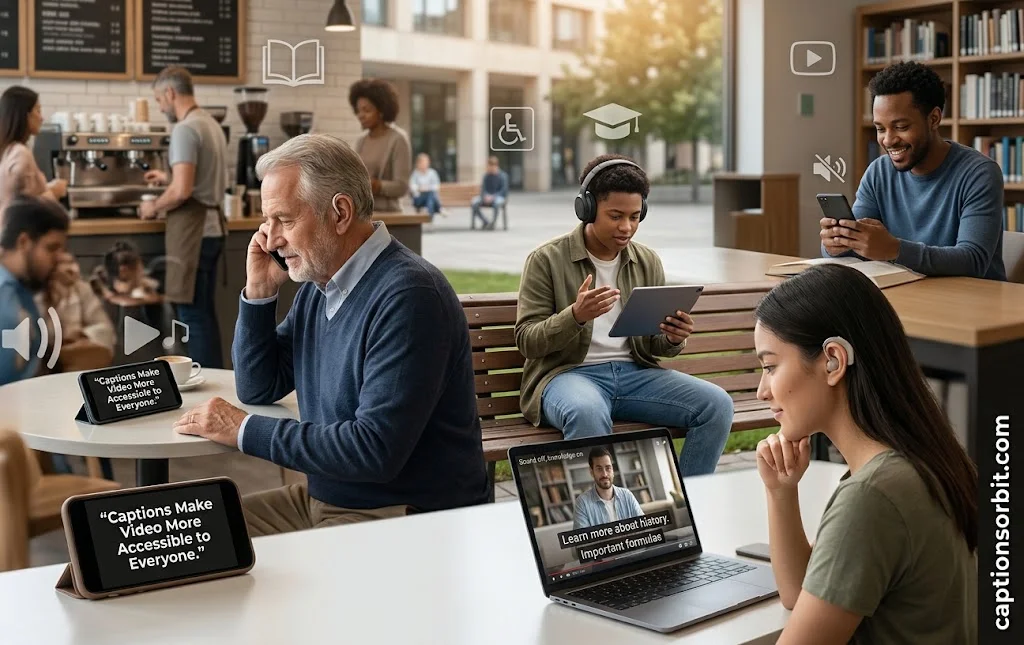
Both caption types boost accessibility, but each brings its own set of advantages worth knowing before you choose.
Accessibility for deaf and hard-of-hearing viewers is the original reason captions exist. Around 1.5 billion people globally live with some degree of hearing loss, according to the World Health Organization. Captions — open or closed — turn spoken dialogue and sound cues into readable text, closing that gap.
Higher completion rates show up again and again in independent research. One Verizon-backed study found viewers are 80% more likely to watch a video all the way through when captions are present.
SEO and discoverability get a real lift too. Search engines can’t “watch” a video, but they can crawl a caption file’s text, which helps your content surface for more search queries — a benefit competitors rarely explain in detail.
Sound-off viewing matters more than most creators realize. Roughly 85% of Facebook videos and a large share of mobile video overall get watched with the volume down, per Digiday’s reporting. Without captions, that audience scrolls right past.
Comprehension and retention improve when viewers read and hear content at once — a well-documented effect called dual coding, useful for language learners, students, and anyone watching in a noisy room.
Guaranteed visibility versus viewer choice rounds out the benefit list. Open captions guarantee everyone sees the text; closed captions respect personal preference. Neither is “better” — they solve different problems.
10+ Uses of Open and Closed Captions
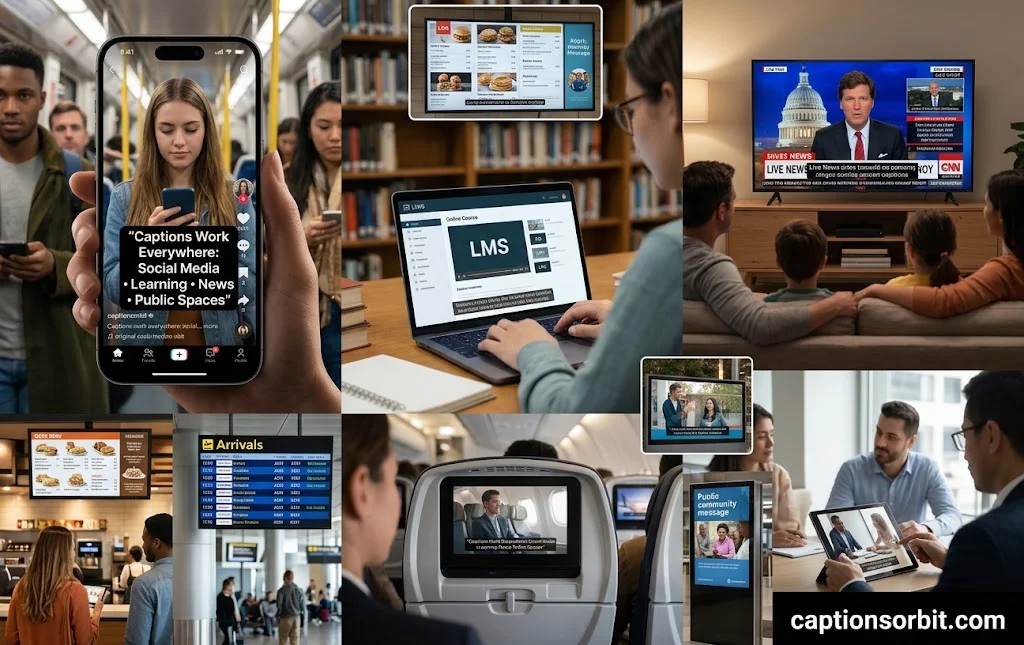
Captions show up in more places than most people expect. Here’s where each format earns its keep.
Social media clips on Instagram, TikTok, and Facebook lean on open captions because feeds autoplay muted. Foreign-language film festival screenings use open captions so translated dialogue can never be switched off by accident. E-learning platforms and online courses rely on closed captions to meet accessibility standards inside a learning management system. Corporate training videos and internal webinars use closed captions so employees can choose sound-on or sound-off viewing. Live broadcast news uses real-time closed captioning, often required by federal communications rules. YouTube and major streaming platforms default to closed captions through a selectable CC track. In-flight entertainment systems favor open captions since headphones aren’t guaranteed. Public digital signage and retail kiosks use open captions because ambient noise drowns out any audio. Legal depositions and courtroom recordings require accurate closed-caption transcripts for the official record. Medical and telehealth videos use closed captions to stay compliant with healthcare accessibility rules. Gym screens and other loud public venues use open captions since sound is rarely played at all. Marketing and ad videos often combine both — closed captions on the main upload, open captions burned into social cutdowns for silent autoplay.
Open Captions vs Closed Captions: Which One Should You Choose?
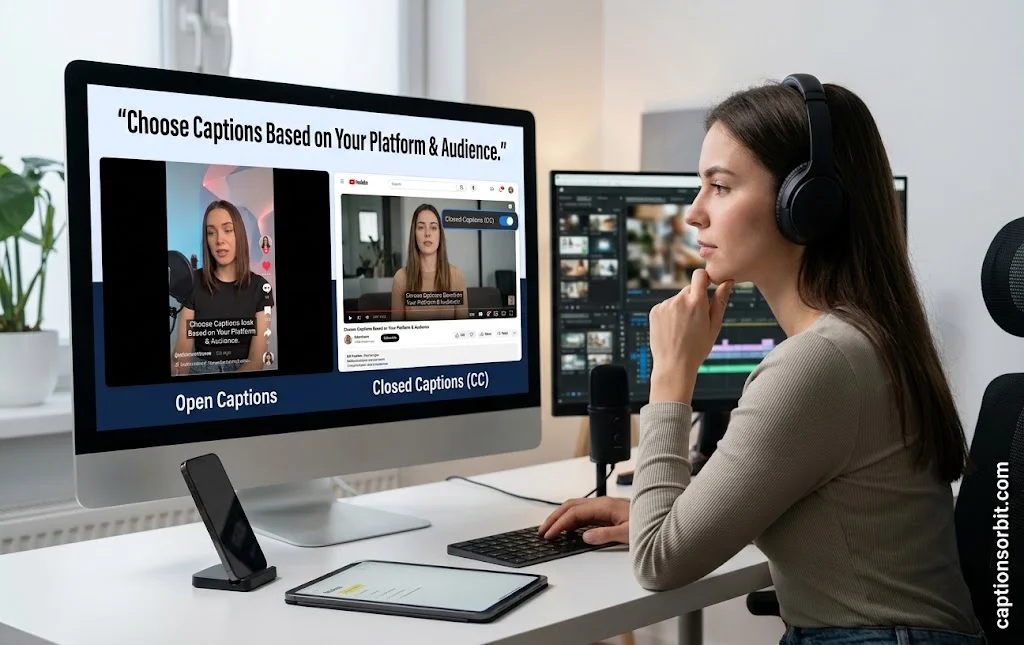
The right choice depends less on personal taste and more on where your video will live.
Choose open captions when your video will play on unpredictable devices or platforms that don’t reliably support caption tracks — think paid social ads, in-store displays, or festival screenings. Choose closed captions when your audience needs control, when you’re publishing to YouTube or an LMS, or when accessibility compliance (WCAG, ADA Title II) is a legal requirement.
Many brands don’t pick just one. A common workflow uploads a video with closed captions as the primary accessible version, then exports an open-caption cutdown specifically for silent, sound-off social feeds. Matching the format to the platform — not the other way around — is what actually drives results.
How to Add Open or Closed Captions to Your Videos
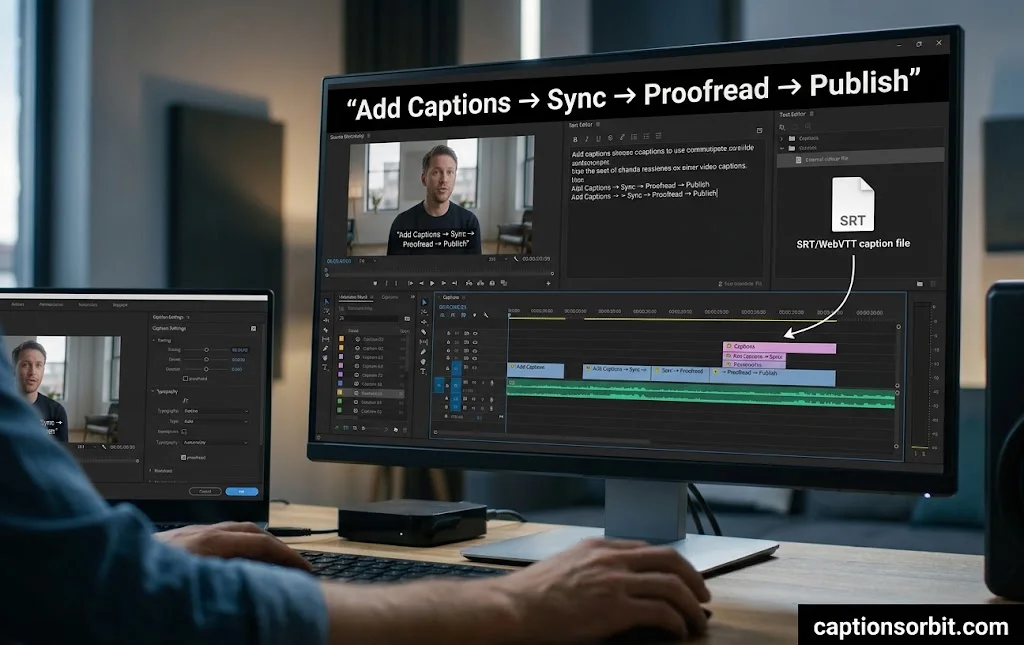
Getting captions onto a video comes down to a few practical choices.
Manual transcription delivers the highest accuracy but takes real time and a trained ear for tricky audio. AI-powered auto-captioning now reaches accuracy rates in the 95-98% range, per industry data from caption technology providers, making it a fast starting point that still needs a quick human proofread.
For closed captions, export your text as an SRT or WebVTT file and upload it alongside your video on platforms like YouTube, Vimeo, or your LMS. For open captions, burn the text directly into the video during editing or export, so it becomes a permanent part of every frame.
Solid formatting habits apply either way: keep each line on screen for 3 to 7 seconds, align text left, use standard upper-and-lowercase letters instead of all caps, and always identify the speaker when more than one person is talking.
FAQs
What is the difference between open and closed captions?
Open captions are permanently burned into the video and can’t be turned off. Closed captions exist as a separate, toggleable text track the viewer controls with a CC button.
What are open captions?
Open captions are on-screen text hard-coded directly into a video’s frames, so every viewer sees them automatically with no option to disable them.
What are closed captions?
Closed captions are a separate synchronized text file that displays spoken dialogue and sound cues, which viewers can switch on or off as needed.
How do open captions work?
Open captions are rendered into the video during editing, locking the text into the visual frame itself — unlike closed captions, which are read from a separate file by the video player in real time.
Conclusion
Open captions and closed captions both make video content more accessible, but they serve different jobs. Open captions guarantee visibility everywhere; closed captions give viewers control and meet the accessibility standards most platforms expect. Match the format to where your video lives, and you’ll reach more viewers — whether the sound is on or off.

Abroy Ehtisham is a dedicated website Captions Orbit author and content lead who specializes in crafting engaging, highly detailed, and insightful digital content designed to cut through online noise. Driven by a deep commitment to audience-first communication, clear narrative structuring, and thorough research, Abroy explores the evolving landscape of web culture, online media, creative strategy, and community building.

![250+ Best Back to School Captions for First-Day Photos [Parents & Students Guide]](https://captionsorbit.com/wp-content/uploads/2026/08/Best-Back-to-School-Captions-14-150x150.webp "250+ Best Back to School Captions for First-Day Photos [Parents & Students Guide]")